



Summary
Copilot Cowork is now here: a more advanced version of Microsoft 365 Copilot that uses Anthropic’s AI models but is deeply embedded in the Microsoft 365 environment, allowing users to delegate work more effectively. Cowork can carry out tasks and run workflows, based on the desired outcomes described by users. Microsoft Intune MVP, Lewis Barry, unpacks what Cowork is, why Microsoft has decided to take this step, and the potential impact and opportunities for MSPs.
|
Time to read |
|
|
What you’ll learn |
|
|
Next steps |
|
What is Copilot Cowork?
Cowork is an agent which forms part of what Microsoft call their “Frontier Program”. The Frontier program allows you to opt in to innovative and emerging AI features before general availability.
By this point we’re all used to using various AI-powered chat tools like Copilot, Gemini, or Claude etc. Cowork aims to extend the prompting experience by being more action and output oriented, often creating output files as part of normal usage.
For example, I can ask Cowork to delete all cancelled meetings in my Outlook calendar, or to create a series of files based on deep research about a given topic, like gathering everything I might want to know about a company’s financial position based on publicly available data.
Copilot Cowork is designed to take action independently, rather than just answer questions. Requests are turned into plans, which are then actioned by Cowork in the background – although users retain visibility over recommended actions and approval over changes.
Microsoft goes multi-model
Microsoft are diversifying the models they allow to be utilised within some of their Copilot products. Cowork can use Anthropic’s AI models.
I think this is a pretty smart move; branching out to form new partnerships with additional AI providers allows the core product to remain competitive and it gives users similar capabilities they are already familiar with across other tools. The AI race is still very much at play, the userbase is fickle, and we seem to jump ship to whatever the good thing is today. This is kept continually unpredictable as more open-source models become available and competition from the likes of DeepSeek and Qwen sometimes shock LLM benchmarks by technical ability, or even by how cheaply they can get a job or task done.
Are there any data security risks?
There are some additional things to consider when using Anthropic AI models via Copilot. Microsoft has outlined these in an article on Microsoft Learn, and admins are made aware of this while activating the features.
How do I use Cowork?
Cowork is included if you are licensed for M365 Copilot. Admins need to go into the M365 Admin Portal > Copilot > Settings > User Access > Copilot Frontier
You can access full instructions on Microsoft’s website.
When fully activated, users can find it within the M365 Copilot web page or desktop app by clicking “All Agents” then searching for Cowork in the Agent Store.
Are you ready to deploy AI?
Many people have already developed a lot of dependency on using AI in their day, so much so that removing or blocking the use of AI tools could cause a riot!
This proves that demand for AI is there, but the difficult lurking trail people have trouble addressing is ensuring security is a foundational requirement before access is given to such tools which have access to (potentially) an entire company’s data.
Shadow AI detection is becoming a popular service that MSPs are providing for their customers. Microsoft Cloud App Discovery as part of Defender for Endpoint provides an easy way to see who is using which popular AI tools within the business. If you have the Defender for Cloud Apps SKU, you are able to define rules, set alerts, and automate actions based on usage patterns across a business. It might be seen as a good first step to be notified when say, 20% of your company begins to use a brand-new app. By having these insights, you can plan your usage rules for it, and if applicable, get the right commercial subscriptions which typically have stronger promises and protections on how your data is used.
At inforcer, we strongly believe that strong and secure AI begins with having a well-configured M365 tenant. A security implementation pathway for Microsoft 365 typically takes these steps in this order:
- Entra ID - identity is the not so new perimeter, this is a critical first step.
- Defender for Office 365 – most businesses are compromised via email, so once we’ve secured the logins, we need to be paying attention to what comes into the business.
- Defender for Endpoint – your safety net for when other preventions or configurations don’t catch suspicious behaviour. It can also detect Shadow AI.
- Intune – a fantastic security tool if used correctly, restricting device usage to approved workflows and methods will reduce the likelihood of nearly all endpoint-based attacks.
- SharePoint, OneDrive & Teams – understand what your end-users need to do and build sensible policies around data sharing and collaboration
- Purview – data governance is one of the hardest things to do, but is only truly effective if you’ve got the prerequisite security processes in place. Define how you work and implement adequate data protections and monitoring.
If you’ve been on that full journey, you are properly equipped to have a secure AI experience using Microsoft Copilot.
Want to develop a Shadow AI detection service?
The development of Copilot Cowork, with its more advanced business functionality, creates an opportunity for MSPs to help their customers assess Shadow AI usage across their businesses, and begin to invest more in Copilot adoption.
inforcer’s Copilot Manager is the tool to support the development of a recurring service centred around this. It allows you to monitor Shadow AI usage trends across customer environments, gain in-depth visibility into Copilot adoption and usage. You can use AI adoption scores to understand whether employees with licenses are actually using Copilot and use risk scores for Shadow AI apps to understand where the greatest vulnerabilities lie.
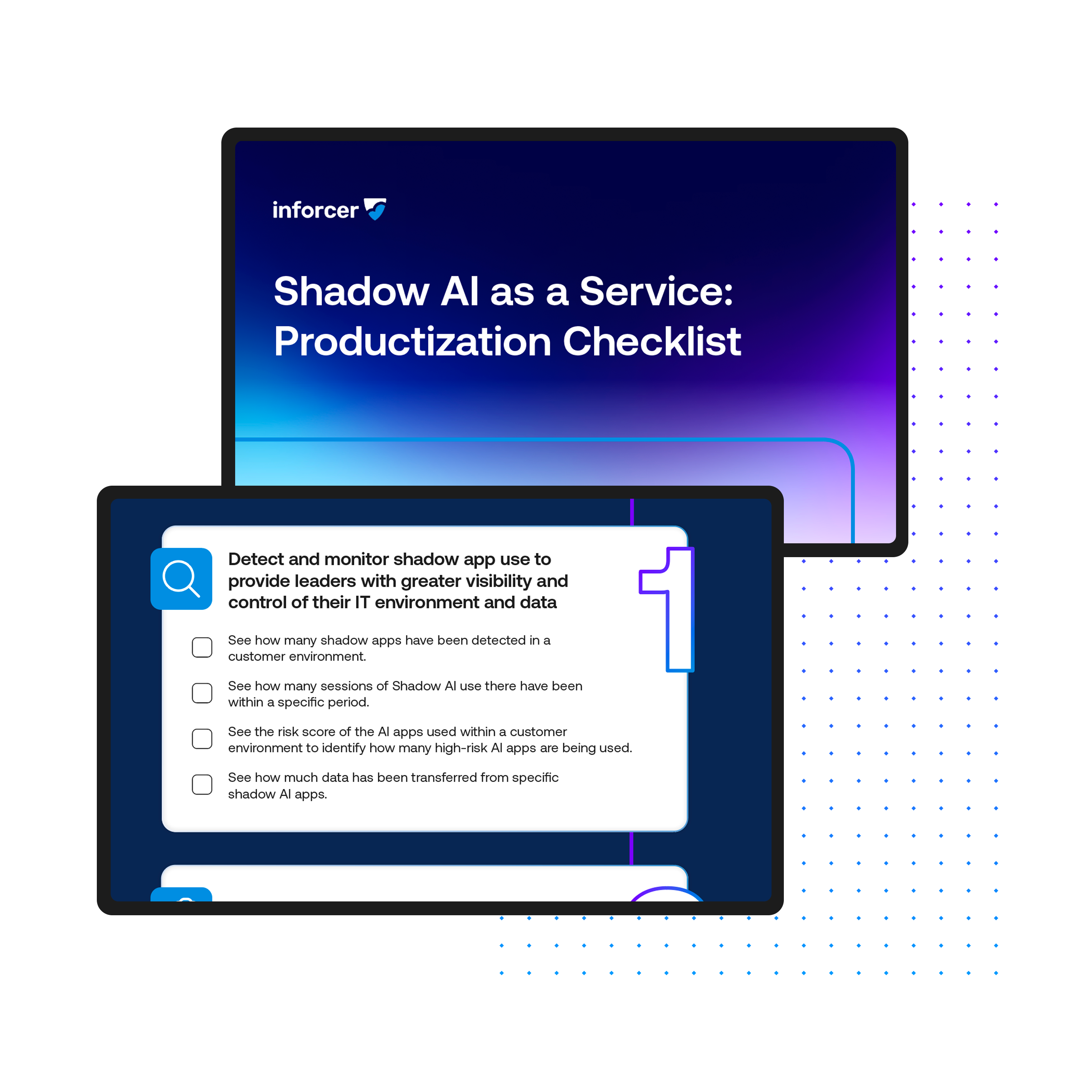
Want to know more about how to unlock opportunities from Shadow AI, and start to productize it as a service? Download our checklist today.
Meet the author

Share this
Live demo with Co-founder,
Will Connor
Want to see inforcer in action? Join a live platform demo with inforcer Co-founder and Chief Community Officer, Will Connor to explore how inforcer could benefit you.



What the New Microsoft 365 E7 License Means for MSPs & Their Tenants

The impact of #IntuneForMSPs: enabling secure, effective AI for SMBs