



Summary
Configuration drift occurs when the M365 environment you set up no longer matches the one your client is actually running. Examples are usually minor, like a helpdesk agent making a small change to fix an immediate problem. Over time, however, those small changes can lead to security gaps and compliance failures. For MSPs managing multiple tenants, drift is especially dangerous because Microsoft provides no native way to report on it. Without the right tooling, you simply don’t know it’s happening.
|
Time to read |
|
|
What you’ll learn |
|
|
Next steps |
|
|
Benefits for MSPs |
|
Versioned Specifics:
-
Article originally published: March 31, 2026
-
Key problems addressed: help desk exceptions that never get reverted; Microsoft platform updates changing configurations; no native drift reporting for MSPs; security and compliance gaps that surface too late
-
Relevant inforcer solution: 365 Manager (drift detection and alerts, PSA ticket creation, policy templates)
Scope and Limitation Statement
inforcer compares every tenant against your chosen baseline, alerts you to drift, and creates a PSA ticket showing what changed, in which tenant, and when. The article recommends automated detection with human-in-the-loop remediation rather than automatic rollback, so legitimate exceptions and emergency changes aren't reversed without review. inforcer doesn't decide what your baseline should be, though its built-in templates give MSPs a proven starting point.
Here’s a scenario that commonly plays out across MSP-managed Microsoft 365 environments: a user calls their MSP's help desk because they’re experiencing a technical problem, like not being able to access a directory. A support agent logs in, diagnoses the problem, and makes a quick configuration change to resolve it.
The ticket gets closed. The user is happy. And the change, which is an exception to a policy that was deliberately set, stays in place permanently. It never gets reverted or flagged, at least, not until a breach happens. But by then, the damage is already done.
That’s configuration drift. And it’s one of the most under-appreciated security risks in managed M365 environments today.
Learn how it happens below, and how to identify it with a multi-tenant management platform.
What is configuration drift and why does it matter for MSPs?
Configuration drift occurs when the actual state of an IT environment diverges from its intended, documented baseline. When it comes to Microsoft 365, that means controls that were deliberately designed are gradually altered over time until they no longer function effectively. Common examples include:
-
Device configuration policies
-
App protection settings
-
Compliance rules
For MSPs managing a single tenant, drift is a manageable problem. You can periodically review configurations and spot the gaps. But when you’re managing dozens or hundreds of tenants, the math changes entirely.
Drift that would be caught quickly in one environment can persist unnoticed across many environments for months. This can compound silently until it becomes a breach, a compliance failure, or an expensive and time-consuming task for your software engineers.
Where configuration drift comes from: the real causes in Microsoft 365 environments
Understanding where drift originates is the first step toward controlling it. In Microsoft 365 environments, there are two primary sources:
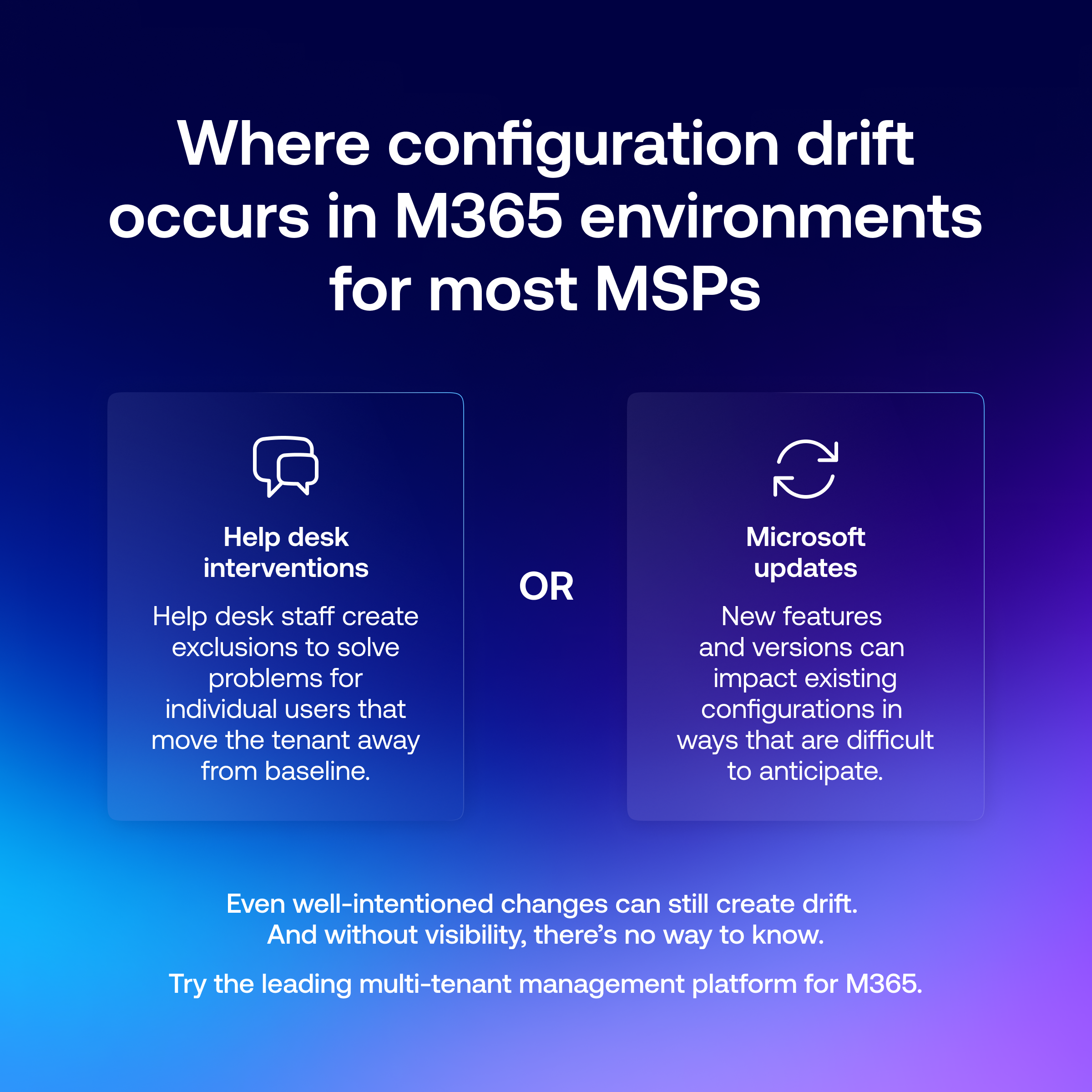
Help desk interventions
This is the most common source of drift, and arguably the most insidious, because it happens with good intentions. When a user reports a problem, the fastest way to resolve it is often to create an exception. This could look like modifying a policy, excluding a user from a compliance rule, or changing a configuration setting that governs their device or access.
The problem isn’t that the exception is made. It’s that it’s almost never reverted. The ticket gets closed, the agent moves on to the next issue, and the exception becomes permanent. Over time, those exceptions accumulate and the environment’s actual security posture quietly diverges from its intended baseline.
Microsoft platform updates and new features
Microsoft regularly rolls out updates, new features, and changes to default settings across its M365 services. Not all of these changes are announced in ways that make it easy to anticipate their impact on existing configurations. A platform update can effectively introduce drift without anyone in the MSP touching the environment at all.
Without visibility into these changes, any MSP is working with an incomplete picture of the environment they’re responsible for.
The costs of configuration drift: security gaps, compliance failures, and operational inefficiencies
Configuration drift does more than just create annoying work for software engineers. It has concrete and measurable consequences for entire organizations.
Security gaps that don’t show up in audits
When device configuration policies drift, a tenant that still appears compliant at a glance may no longer be in practice.
The policy exists. The baseline was set. But the exceptions, the exclusions, and the one-off changes mean that a meaningful subset of users or devices are operating outside of your intended controls.
These gaps are particularly dangerous because they’re quiet. They don’t generate alerts unless you have a platform set up to flag them. They just sit there, waiting for a threat actor to potentially find them first.
Compliance failures that surface at the worst possible time
For MSPs managing clients in regulated industries, configuration drift represents a direct compliance risk. If device policies, data protection settings, or access controls have drifted from what’s required by a framework like ISO 27001, Cyber Essentials, or an industry-specific regulation, the client is non-compliant regardless of whether or not they have experienced a breach yet.
Those failures typically surface during audits and assessments, and that’s the best case scenario. The worst case scenario is for them to be discovered during an investigation after an incident has already taken place. In many such cases, the gap has often been present for months.
Operational inefficiencies that compound over time
Beyond the security and compliance implications, drift often drives up costs for MSPs by impacting operational efficiency. When configurations don’t match the documented baseline:
-
Troubleshooting becomes harder
-
Onboarding new devices or users takes longer
-
Policy updates can’t be rolled out cleanly because the actual state of the environment is unknown
In these scenarios, the MSP ends up spending time managing the consequences of drift rather than delivering value to the customer. This can even contribute to client loss over time.
Detection strategies: identifying drift before it becomes a problem
The fundamental challenge with drift detection in M365 is that Microsoft doesn’t provide MSPs with a native way to do it. There’s no built-in report that tells you when a policy has changed, what it changed from, or which configurations across your tenant base no longer match an intended baseline.
Without purpose-built tooling, your only option is manual review. At scale, that’s simply not viable.
Effective drift detection requires a system that can:
-
Continuously monitor configurations across all tenants against a known baseline
-
Identify deviations from that baseline as they occur, not days or weeks later
-
Surface those deviations in a way that enables rapid investigation and remediation
-
Create an auditable record of what changed, when, and in which tenant
The distinction between detecting drift in real time versus catching it during a periodic review is significant. A change that’s detected the same day it’s made is a fixable problem. A change that’s been in place for three months has created three months of exposure, compliance risk, and operational inefficiency for the tenant.
Prevention techniques: standardization and policy enforcement
For most MSPs, effective prevention strategies center on two things: standardization and accountability. Here’s how you can achieve both:
Start with a documented, enforced baseline
Every Microsoft 365 environment you manage needs a documented configuration baseline that defines what ‘correct’ looks like. Device configuration policies, app protection settings, compliance rules, and conditional access configurations should all be codified so that there’s an objective standard to measure against.
A baseline that lives in a document is better than nothing. But a baseline you can actively enforce via your tenant management platform is meaningfully better than that.
Use policy templates to accelerate deployment and enforce standards
Policy templates play a dual role in drift prevention.
-
They help MSPs who are still building out their M365 practice get to a secure, well-configured baseline faster. Instead of figuring out from scratch what a well-configured Intune environment should look like, for example, you start from a proven template.
-
Templates that are centrally managed and pushed to tenants also allow MSPs to improve the consistency of their services. Drift that starts from a solid baseline is easier to detect and easier to remediate than drift that has accumulated on top of an ad-hoc configuration.
Reduce unnecessary admin access
One of the most direct ways to reduce drift is to reduce the number of people who can introduce it. Reviewing which help desk agents and administrators have access to make configuration changes and tightening that access where appropriate reduces the potential for accidental or well-intentioned drift.
Leveraging automation to reduce drift while maintaining versatility
Automation is often proposed as the answer to configuration drift, but it’s worth being precise about what that means in practice.
Full automatic remediation, where any detected deviation is immediately rolled back without human review, carries its own risks. Not every change is unwanted. Emergency changes, deliberate policy updates, and legitimate variations across tenants all need to be accommodated.
The more practical model is automated detection with human-in-the-loop remediation. The system identifies drift the moment it occurs, surfaces it to the right person, and gives them the context they need to act quickly.
This is the best of both worlds: you get to maintain your human oversight, but eliminate the delay between when drift occurs and when you become aware of it. Since this delay can be weeks or months long when relying on manual processes, this represents a significant advantage.
Related: Should ‘Managed Intelligence’ actually be a priority for your MSP?
How multi-tenant management helps MSPs prevent drift at scale
Managing configuration drift across multiple Microsoft 365 tenants is a daily operational reality for growing MSPs. Microsoft’s native tooling simply isn’t designed to address this issue at that scale, but inforcer’s multi-tenant management platform solves this problem in several ways:
Unprecedented visibility across every tenant
inforcer provides a single-pane solution for every tenant your MSP manages. That means you no longer need to manually log in and check each of their policies individually. Instead, you can open up the inforcer dashboard and see the status of every tenant at once. It’s the difference between zero visibility and total visibility.
Automatic drift detection and alerts
When inforcer identifies drift in any of your tenants, it instantly alerts you and creates a ticket in your MSP’s PSA tool. That means drift surfaces in the same workflow you already use to manage issues, rather than in a separate portal that someone has to remember to check.
The agent who needs to investigate and remediate also has context about what changed, in which tenant, and when. They can act on it without needing to dig through admin logs to understand what happened.
Policy templates that accelerate your Microsoft journey
inforcer’s policy templates give your MSP two efficient ways to standardize policy deployments for tenants. You can either apply a custom configuration baseline across new tenants at onboarding or leverage inforcer’s built-in templates if you’re still building out your Microsoft 365 practice.
Templates do more than simply speed up deployment. They also ensure that every tenant you manage starts from a known, consistent baseline. This means the drift you’re measuring against is actually meaningful, and the gaps you’re detecting are actually gaps, rather than merely differences from an ad-hoc configuration.
Related: inforcer Named Microsoft Security Excellence Awards Finalist
Configuration drift doesn’t wait for your next audit (and neither should you)
The support desk agent who created an exclusion last Tuesday wasn’t trying to create a security problem. They were trying to help a user. But without a system to detect what they did, that exclusion will still be in place six months from now, and so will the dozens of others that have accumulated alongside it.
For MSPs managing multiple M365 tenants, the choice isn’t between perfect configurations and imperfect ones. Changes happen and drift is inevitable. The real question is whether you can detect it in time.
inforcer provides the visibility required to catch drift across every tenant, in real time, without logging into a single admin portal manually.
Book a demo to see how MSPs like yours are using inforcer to stay ahead of configuration drift across their entire client base.
FAQs
What is configuration drift in Microsoft 365?
Configuration drift is when a tenant's actual settings no longer match its intended, documented baseline. Over time, device configuration policies, app protection settings, and compliance rules are often altered to facilitate normal business activities. Eventually, this creates security gaps that can be exploited.
What causes configuration drift?
The two main causes are help desk interventions, where an agent creates an exception to fix a user's problem and never reverts it, and Microsoft platform updates, which can change defaults or features without anyone at the MSP touching the tenant.
Why is configuration drift a risk for MSPs?
Drift creates quiet security gaps that don't trigger alerts, compliance failures that surface in audits or after an incident, and operational inefficiency that makes troubleshooting and onboarding slower. When this is happening across dozens of manually managed tenants, it can go unnoticed for months. This is why MSPs need a way to monitor their managed tenants and remediate drift efficiently.
Can Microsoft 365 detect configuration drift natively?
Not in a way that matches the way most MSPs work. There's no built-in report showing when a policy changed, what it changed from, or which tenants no longer match your baseline. Without purpose-built tooling, detection relies on time-consuming manual review that creates room for error.
Should configuration drift be fixed automatically?
Not always. Some changes are deliberate or urgent, so fully automatic rollback carries its own risks. The more practical model is automated detection with human review, so drift is flagged the moment it happens and the right person decides how to fix it.
How does inforcer detect drift across multiple tenants?
inforcer's 365 Manager shows every tenant's configuration status in a single-pane dashboard, alerts you as soon as drift is identified, and creates a ticket in your PSA with context on what changed, where, and when. Policy templates also make it easy to choose a consistent baseline to measure every managed tenant against.
Share this
Live demo with Co-founder,
Will Connor
Want to see inforcer in action? Join a live platform demo with inforcer Co-founder and Chief Community Officer, Will Connor to explore how inforcer could benefit you.



ITDR, XDR, SIEM, MDR: A Plain-English Guide to the Microsoft 365 Security Alphabet for MSPs

How Microsoft Became the #1 Attack Surface for MSPs